Copy Section
Duplicating Your Test
When you want to create a variation of an existing test, the Copy feature makes it seamless. Simply click the 📄 Copy button in the Actions column of the test you wish to duplicate.
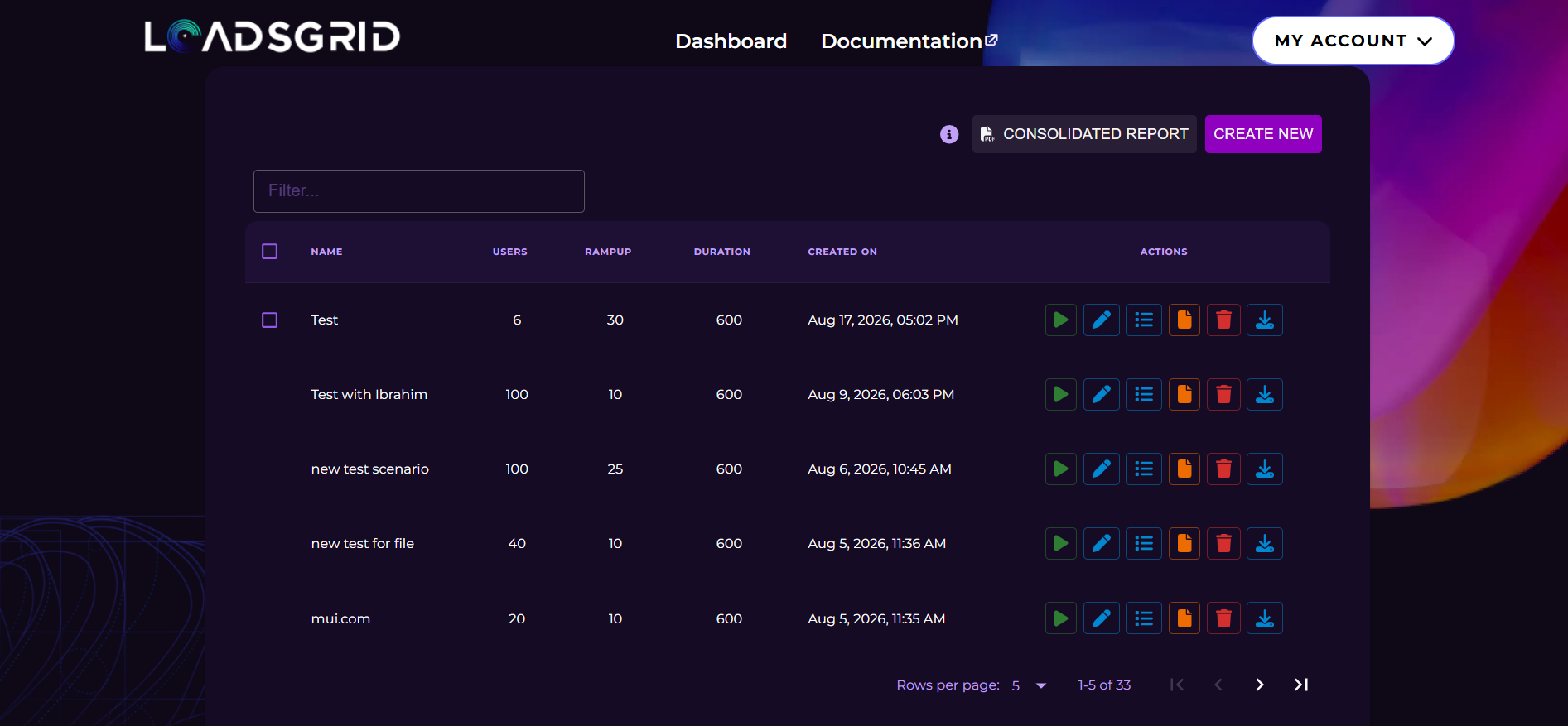
Automatic Redirection to Create Test Page
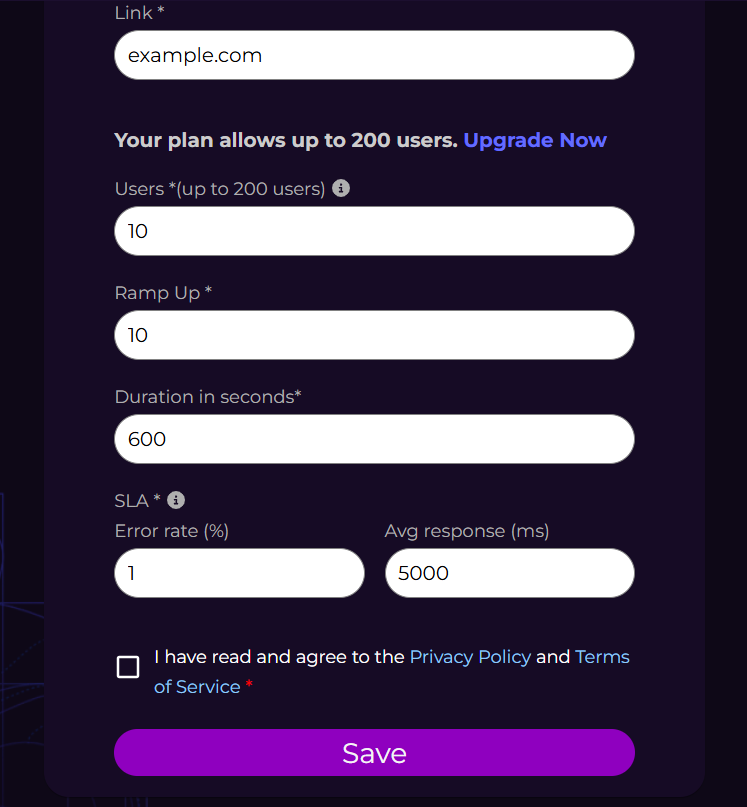
Upon clicking Copy, you’ll be automatically redirected to the Create Test page.
All values from the original test will be pre-filled, allowing you to modify them as needed without starting from scratch.
Managing Your Tests
After making your adjustments, click the Save button.
The new test will be added to the dashboard, and you will now see two entries:
- Original Test — remains unchanged with its original configuration
- Copied Test — contains the updated values you modified
This makes it easy to compare tests and manage different variations efficiently.
You can further refine either test at any time by clicking the Edit button next to it.
By using the Copy feature, you streamline your testing workflow and gain more flexibility when creating and managing test scenarios.